How to Use Google AI Studio for Maximum Productivity
TL;DR
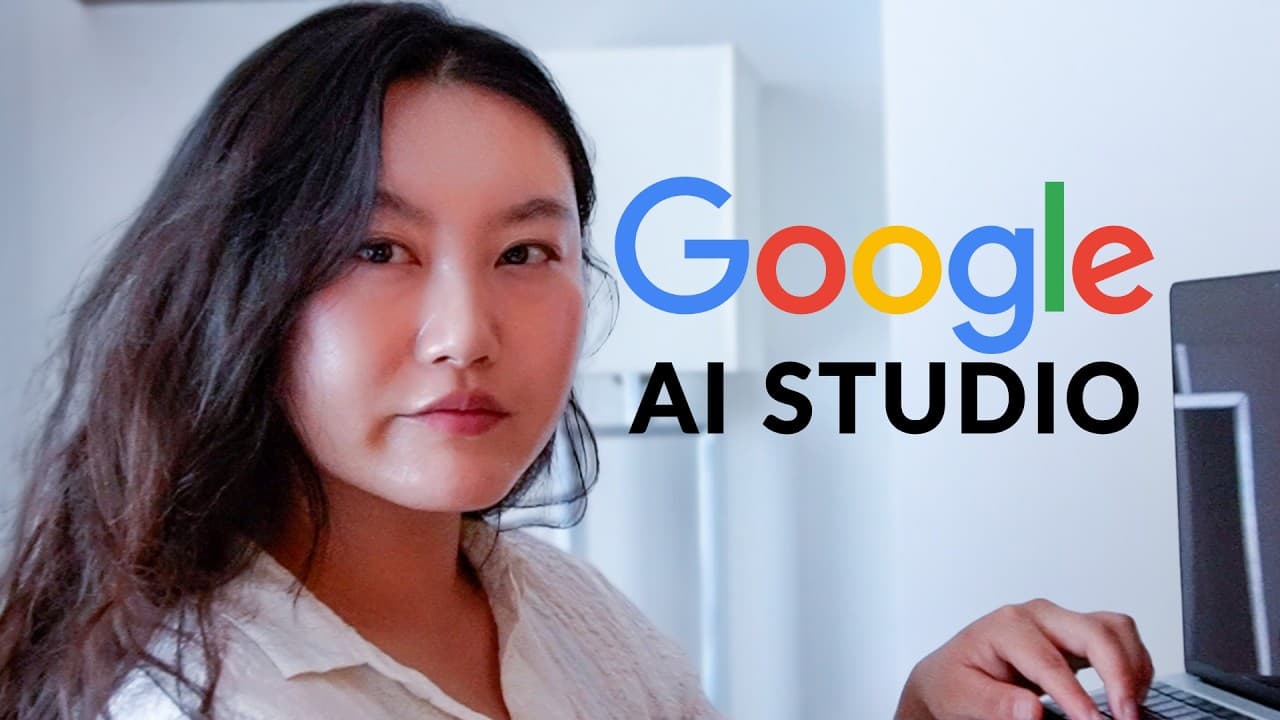
To maximize productivity using Google AI Studio, start by mastering its interface, which offers video analysis, real-time interaction, and system prompts. Implement effective prompt engineering using the task-context-resources-evaluation-iteration framework to improve results. Fine-tuning models and utilizing structured outputs can enhance app performance, making it an invaluable tool for developing AI applications.
Transcript
I learned how to use Google AI studio for you and here's the cliffs notes version to save you the hours and hours that I spent learning about it and experimenting including actual realistic prompts that you can get started using to increase your productivity and to start building your own applications Google AI studio is honestly really powerful to... Read More
Key Insights
- Google AI Studio is a powerful tool for building AI applications, though its interface can initially seem overwhelming.
- The platform offers a chat interface for prompts and a playground environment with additional features for user control.
- System prompts are crucial for defining AI's personality, capabilities, and limitations, enhancing interaction quality.
- Prompt engineering is a key skill, with a mnemonic framework for task, context, resources, evaluation, and iteration.
- Google AI Studio allows video analysis and supports large context windows, enabling detailed content extraction.
- Stream real-time feature facilitates interaction with AI using text, voice, video, or screen sharing for personalized assistance.
- Fine-tuning models in Google AI Studio can enhance performance for specific tasks without requiring coding knowledge.
- Structured output and function calling features enable developers to create consistent applications and integrate custom functions.
Install to Summarize YouTube Videos and Get Transcripts
Explore YouTube Video Summarizer or Get YouTube Transcript Extractor
Questions & Answers
Q: What is the main challenge when starting with Google AI Studio?
The main challenge when starting with Google AI Studio is the overwhelming interface, which can be complex due to the numerous features and options available. However, once users familiarize themselves with the tools and functionalities, they can unlock a wide range of possibilities for building applications and enhancing productivity.
Q: How does Google AI Studio handle video content?
Google AI Studio handles video content by utilizing its large context window to analyze and extract detailed information from video data. It can identify key moments, provide commentary, and even recognize individuals in the footage. This capability allows for comprehensive video analysis, making it a powerful tool for processing and understanding video content.
Q: What is the importance of system prompts in Google AI Studio?
System prompts in Google AI Studio are important because they define the AI's personality, capabilities, and limitations, which enhances the interaction quality. They set the tone, format, and persona for the AI, ensuring that responses are aligned with user expectations and task requirements. This results in more accurate and contextually appropriate outputs.
Q: What is the 'tiny crabs right enormous iguanas' framework?
The 'tiny crabs right enormous iguanas' framework is a mnemonic for effective prompt engineering. It stands for Task, Context, Resources, Evaluate, and Iterate. This framework guides users in specifying what they want the AI to do, providing additional information, offering examples, evaluating results, and iterating to improve outputs. It's a structured approach to creating successful AI prompts.
Q: How does the stream real-time feature enhance user interaction?
The stream real-time feature enhances user interaction by allowing users to communicate with AI using text, voice, video, or screen sharing. This feature enables the AI to provide real-time assistance, commentary, and instructions based on the user's current activities, offering a personalized and interactive experience that can be applied in various contexts, such as learning or troubleshooting.
Q: Why would someone want to fine-tune a model in Google AI Studio?
Someone might want to fine-tune a model in Google AI Studio to improve its performance on specific tasks. Fine-tuning involves providing the model with a training dataset containing examples of the desired task, which can lead to significant improvements in accuracy and relevance, especially for niche applications. This process enhances the model's ability to deliver specialized results.
Q: What role does structured output play in Google AI Studio?
Structured output in Google AI Studio plays a role in ensuring that the AI's responses are consistent and formatted in a specific way, which is particularly useful for developers. By defining the structure of the output, users can integrate AI-generated data into applications or databases seamlessly, maintaining uniformity and facilitating further processing or analysis.
Q: How does Google AI Studio support application development?
Google AI Studio supports application development by providing features like structured output, function calling, and fine-tuning, which enable developers to create consistent and specialized applications. The platform allows for integration with external APIs, execution of custom functions, and the use of AI models tailored to specific tasks, making it a versatile tool for building diverse AI-driven solutions.
Summary & Key Takeaways
-
Google AI Studio is a robust platform for AI application development, offering features such as video analysis, system prompts, and real-time interaction. The interface may appear complex, but it provides significant capabilities once mastered.
-
Prompt engineering is emphasized as a vital skill, with a framework for creating effective prompts. System prompts allow users to define AI's roles and interactions, improving the quality of outputs.
-
Google AI Studio supports fine-tuning models and structured outputs, aiding developers in creating specific applications. It also allows video analysis and real-time interaction, offering diverse possibilities for AI use.
Read in Other Languages (beta)
Share This Summary 📚
Summarize YouTube Videos and Get Video Transcripts with 1-Click
Try YouTube Summary with ChatGPT & Claude or YouTube Transcript Generator
Explore More Summaries from Tina Huang 📚


Summarize YouTube Videos and Get Video Transcripts with 1-Click
Try YouTube Summary with ChatGPT & Claude or YouTube Transcript Generator